B2C
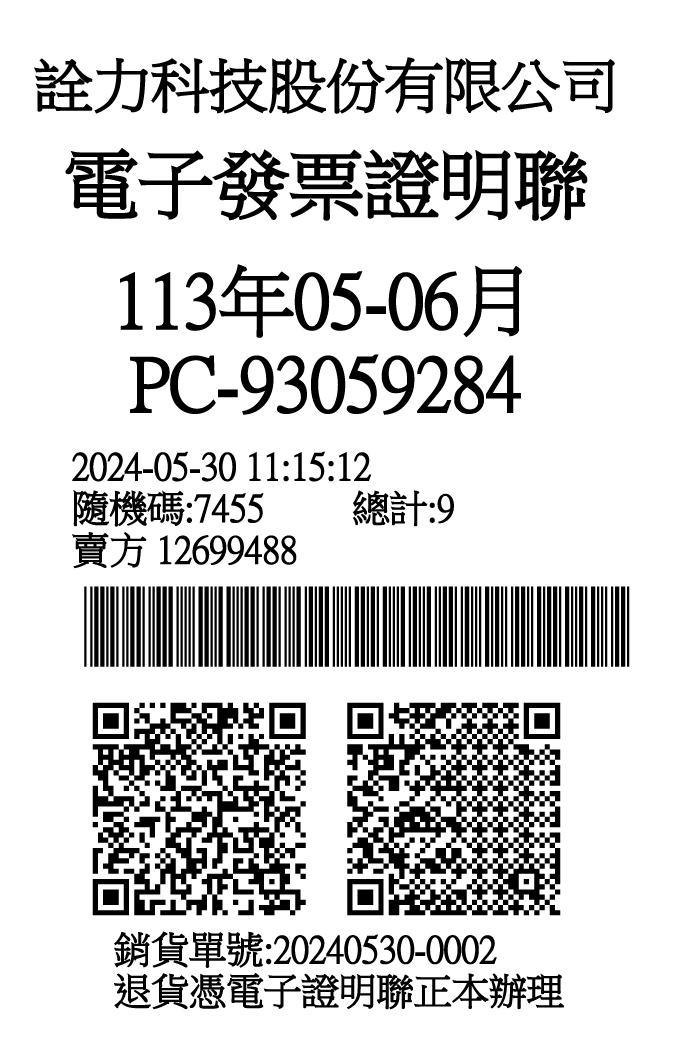
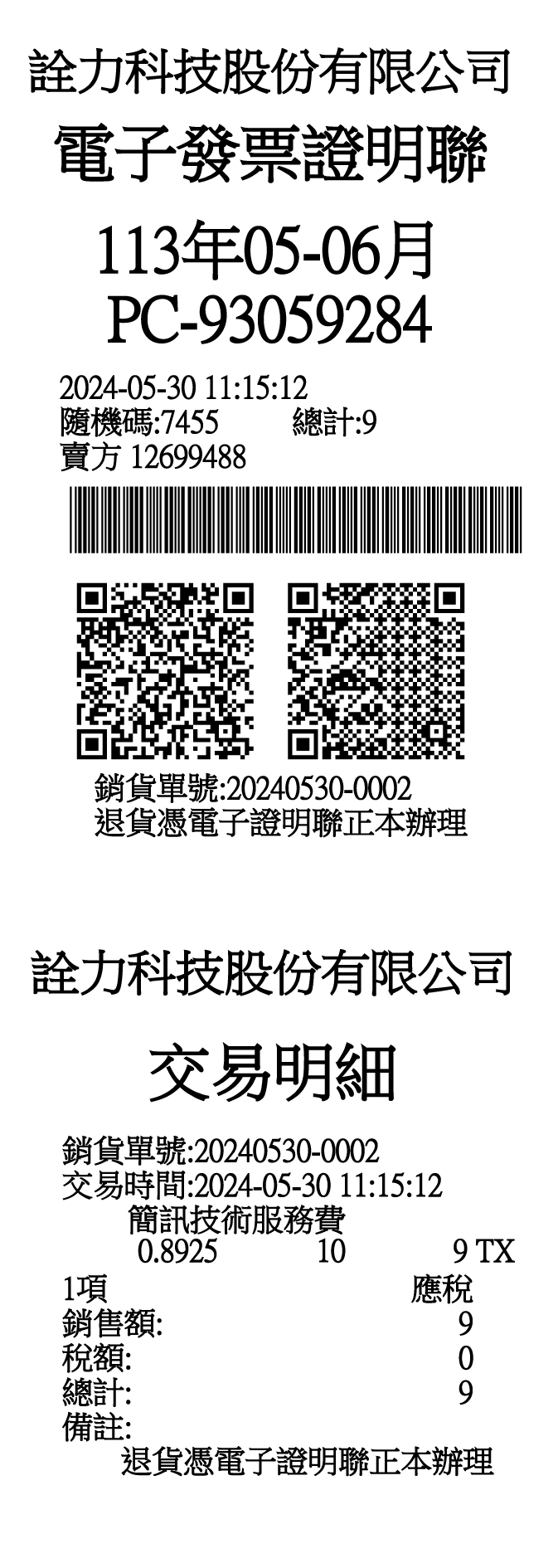
Standard e-Invoice Layout (5.7cm Width)
Compatible with thermal printers. (Note 1)


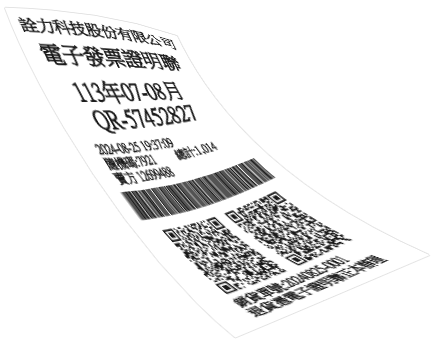
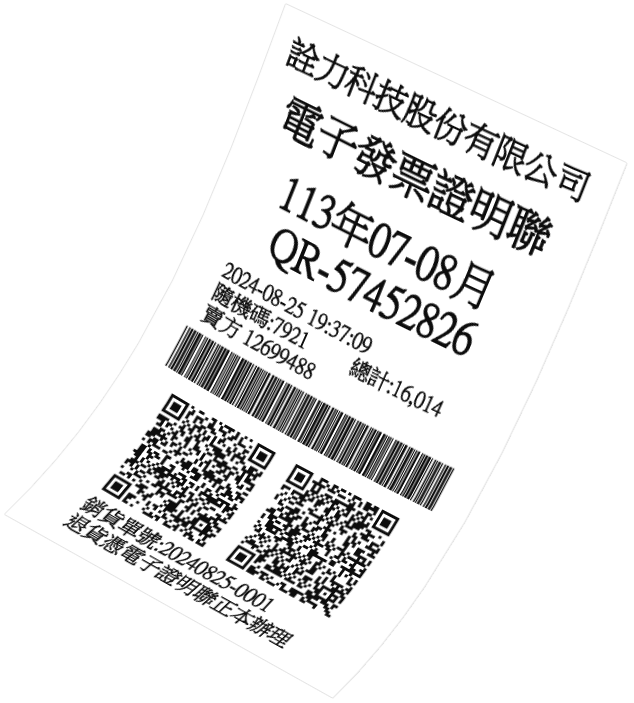


Simple, fast, and professional implementation services to help you transition to e-invoice with confidence.
Apply NOWThese are government-approved, universally accepted carriers that customers can use across all merchants that support cloud invoice in Taiwan.
These are MOF-certified loyalty cards, credit cards, or smart cards issued by specific merchants or financial institutions. When customers pay with these cards, the cloud invoice is automatically stored in their account if the service is enabled.

A "Certificated Copy of e-Invoice" is the physical paper receipt printed from an e-invoice system using thermal paper. Depending on the transaction type and accounting requirements, there are three primary forms:
Quickly issue, void, and issue a Credit Note for both B2B and B2C e-invoices. Streamline every stage of the invoice lifecycle with a fast, efficient, and compliant invoicing solution.
Easily track, filter, and manage all your e-invoices. Quickly search by date, invoice number, customer information, or status for efficient invoice management and auditing.
Boost operational efficiency by generating sales orders and e-invoices in bulk. Designed for high-volume transactions, it reduces manual effort and significantly shortens processing time.
Easily create and manage product information, including categories, units of measurement, and pricing. Maintain consistent and accurate data across all your e-invoices.
Minimize data entry errors and speed up e-invoice workflows. The system automatically retrieves customer information, including UBNs, as you enter customer details.
Print multiple issued invoices efficiently with support for various formats, including 57 mm thermal paper and A4. Simplify invoice printing workflows after batch issuance.
Enhance system security by configuring permissions for individual user accounts. Ensure that only authorized personnel can issue, void, or access invoice records.
Support various MOF-approved e-invoice carriers, including Mobile Barcode, Citizen Digital Certificate, and Donation Codes. Seamlessly integrate carrier information during invoice issuance for a smoother e-invoicing experience.
Monitor the transmission status of issued e-invoices and unused invoice number ranges in real time. Stay informed of transmission progress to the MOF E-Invoice Platform and quickly identify failed or pending transmissions.
Import government-assigned invoice number ranges and easily split, allocate, and assign them according to your operational needs, providing greater flexibility in invoice number management.
Access detailed sales summaries and invoice statistics to gain valuable insights into your business performance. Export report data for further analysis and financial reporting with ease.
Import the official MOF winning number list to automatically identify winning B2C e-invoices. Quickly verify winning invoices and simplify prize notification management.
Choose from a wide range of supported invoice formats.
B2C
B2C / B2B
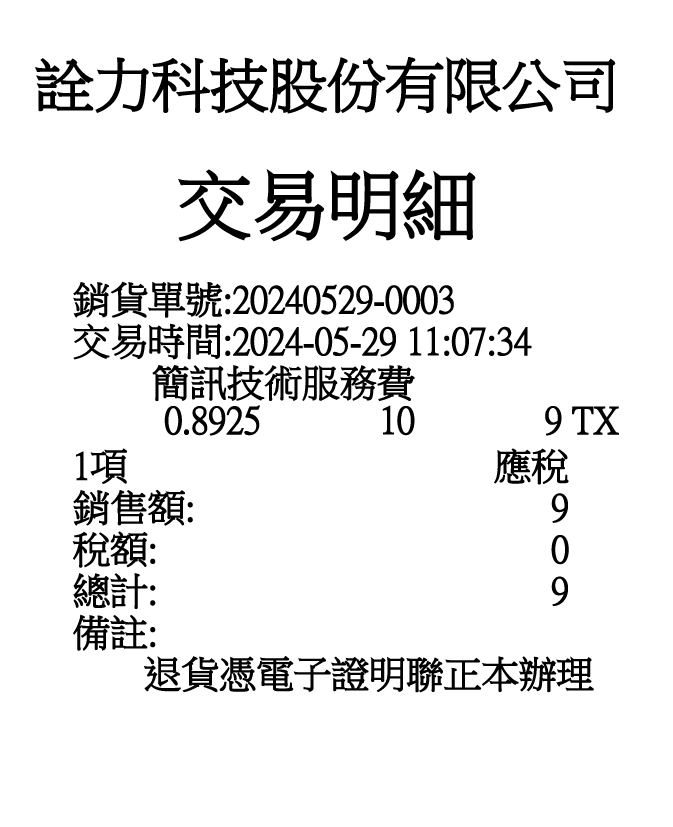
B2C / B2B
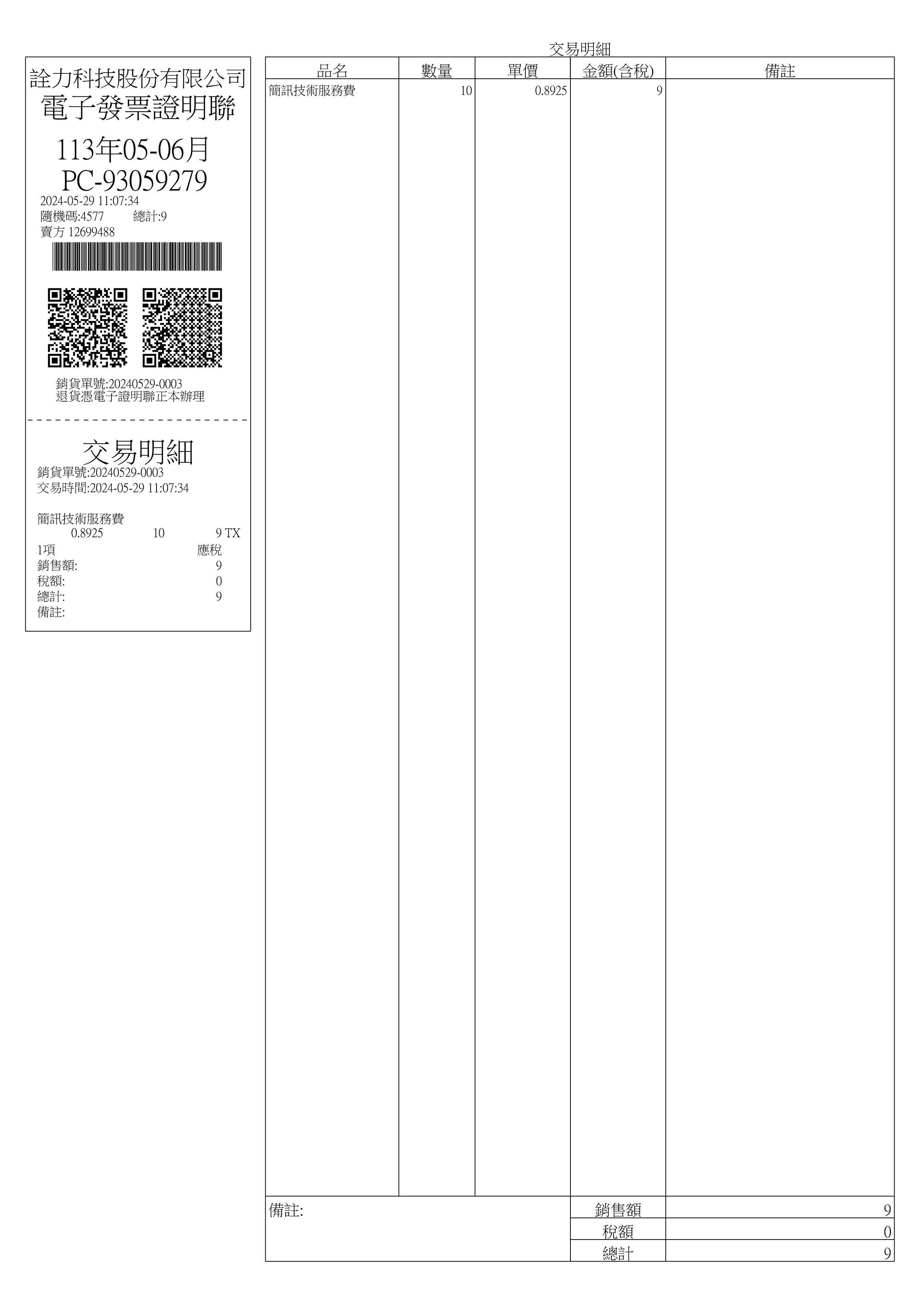
B2C / B2B
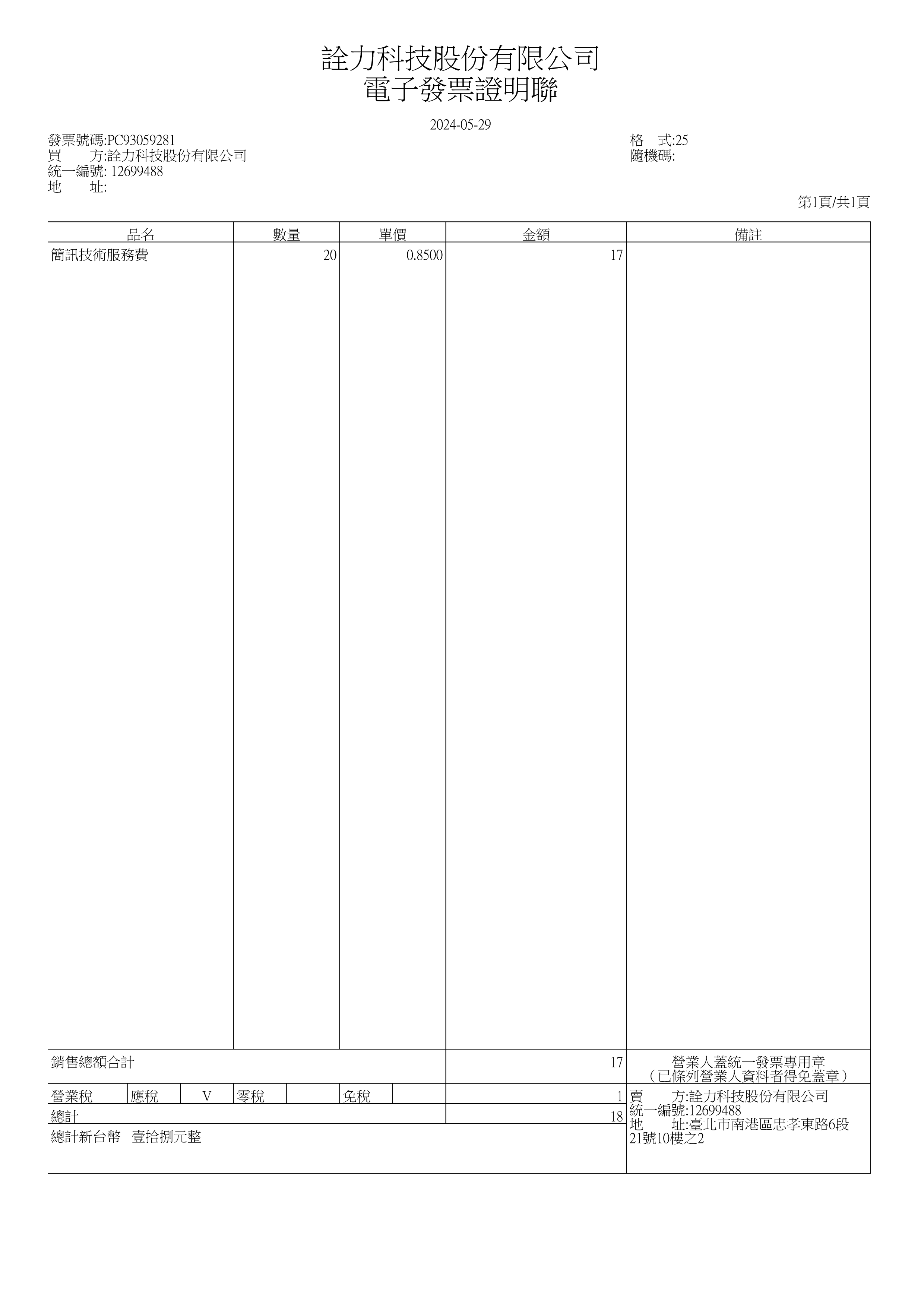
B2B
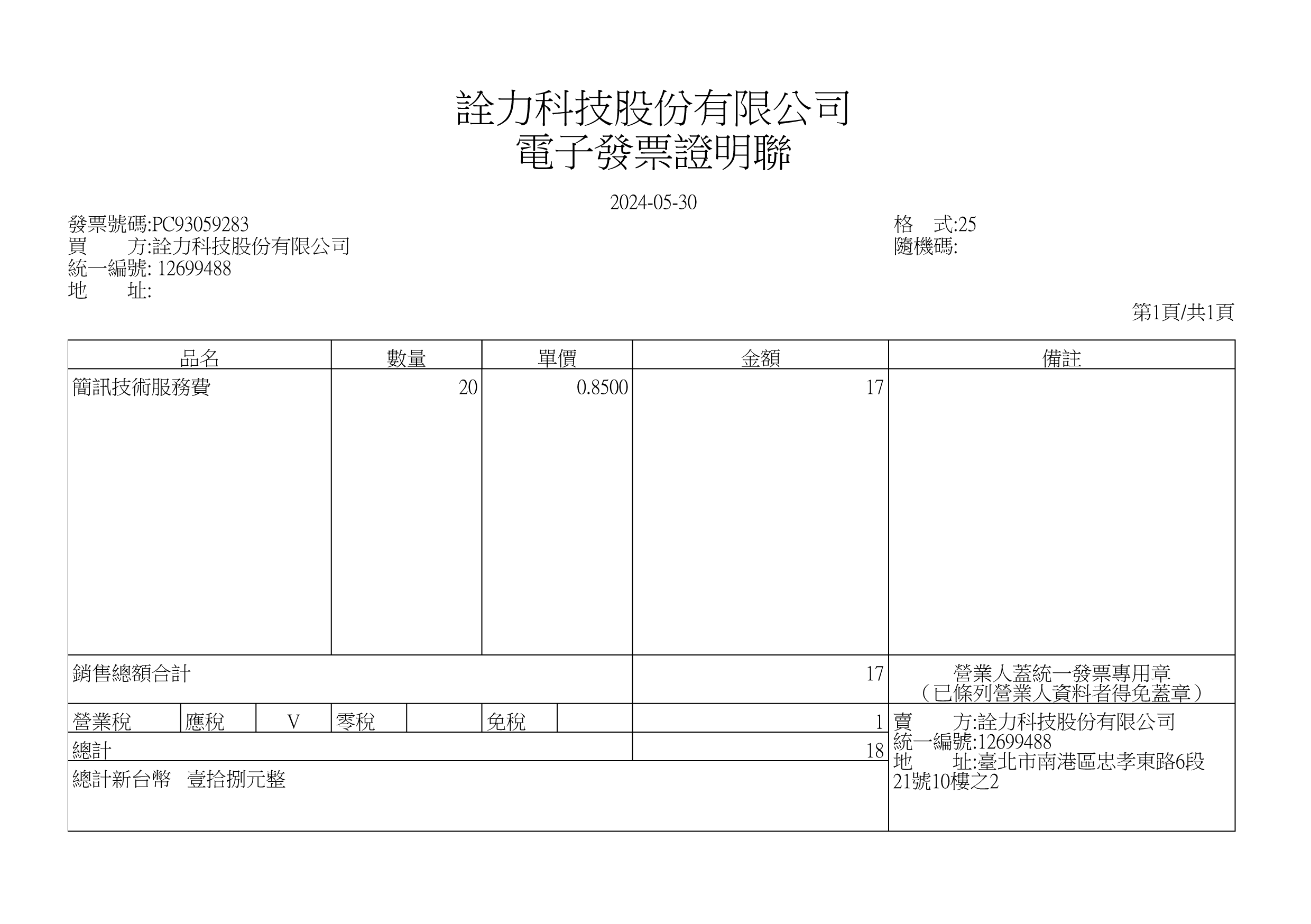
B2B
Transform your invoicing operations, reduce administrative costs,
and support regulatory compliance
with a secure cloud-native solution designed for modern businesses.

Eliminate paper-based invoice storage and archiving and move toward a fully digital workflow.
Significantly reduce your company's carbon footprint and environmental impact, support your ESG initiatives by reducing paper consumption and environmental impact.

Minimize human error by issue, void, and process Credit Notes from a single dashboard.
Quickly transmit invoices to the MOF platform and retrieve historical records whenever needed.
Keep your accounting teams updated with instant status tracking on all invoice transmission status.

Eliminate the high expense of thermal paper, envelopes, and postal mailing for physical invoices.
Securely invoice records in the cloud, freeing up valuable office space and eliminating the need for physical file archives.

Retrieve, preview, and download secure PDF copies of any invoice anytime, anywhere.
Generate sales reports, invoice statistics, and tax summaries, giving your CFO and finance teams accurate data to analyze financial health and support bi-monthly VAT filing.

Switch effortlessly between your laptop, tablet, or smartphone to monitor your invoicing operations.
Empower your finance team to manage and approve invoicing workflows remotely, ensuring business continuity outside the office.
Log in securely via any standard web browser. No complex VPN configurations or internal IT setups required.
Choose the perfect plan tailored to your business scale.
Scale your business with our unlimited-issuance cloud e-invoice system.
Try it risk-free for 30 days! Experience seamless compliance and automated billing starting today.
| Editions & Pricing |
Early Bird Offer
On-Premises Edition
$12,000
$9,000
/year
|
Early Bird Offer
Cloud Edition
$5,000
$3,000
/year
|
|
Hardware Device
(NE-201-i5) |
plus get an extra 1-year warranty free! |
|
|
PDM System
(Product Data Management) |
|
|
| B2B Data Exchange |
|
|
| Backup & Redundancy | Optional Add-on: ITE2 NAS Cloud Storage Device |
|

Obtain a Business Entity Digital Certificate required for accessing Taiwan's e-invoice services. (https://moeaca.nat.gov.tw/other/index.html)
Apply for the Turnkey service and register your business on the Ministry of Finance (MOF) E-Invoice Platform.
Perform the required pre-launch verification on the MOF E-Invoice Platform to ensure your Turnkey configuration is ready for production.
Submit a paper application to your local tax authority to obtain government-assigned invoice number ranges.
Set up your Business Entity Digital Certificate and retrieve your assigned invoice number ranges through the MOF E-Invoice Platform.
Complete merchant settings and maintain your business information within the ITE2 e-Invoice System.
You're now ready to issue compliant Taiwan electronic invoices.



快速建立會計科目代號、名稱、借貸別等相關資料。
輕鬆輸入、檢視傳票,並建立樣板以便後續直接套用。
生成各式報表(損益表、資產負債表、現金流量表等),可依會計項目、日期檢視,清楚呈現企業財務及金流流動狀況。
將計算出來的結果儲存成開帳傳票+結帳傳票,並鎖定過去整年帳務。
新增與管理使用者資料,並設定權限及角色。
將已開立完成的發票批次轉換成傳票。
使用者可以在【已開立發票】功能中查詢已開立完成的發票,再進行轉換,將發票轉換成傳票。
使用者需要先從政府發票平台下載發票,再透過【上傳發票檔】功能將檔案匯入系統中,系統將自動將其轉換成傳票。
我們的系統注重使用者體驗,以直觀且易學的設計為主,確保您輕鬆上手,享受良好的操作感受。
透過數位化的管理,能夠有效提高工效率,讓您可以更迅速的處理和管理各項業務資訊。
系統能夠即時生成各種報表,提供您在管理決策時所需的即時資訊,協助您做出明確的決定。
透過雲端技術,您可以隨時隨地進行操作和查詢,不再受限於特定地點或時間,提供方便又即時的使用體驗。
我們的系統不需要繁瑣的下載和安裝程序,讓您能夠輕鬆使用免去額外的困擾。




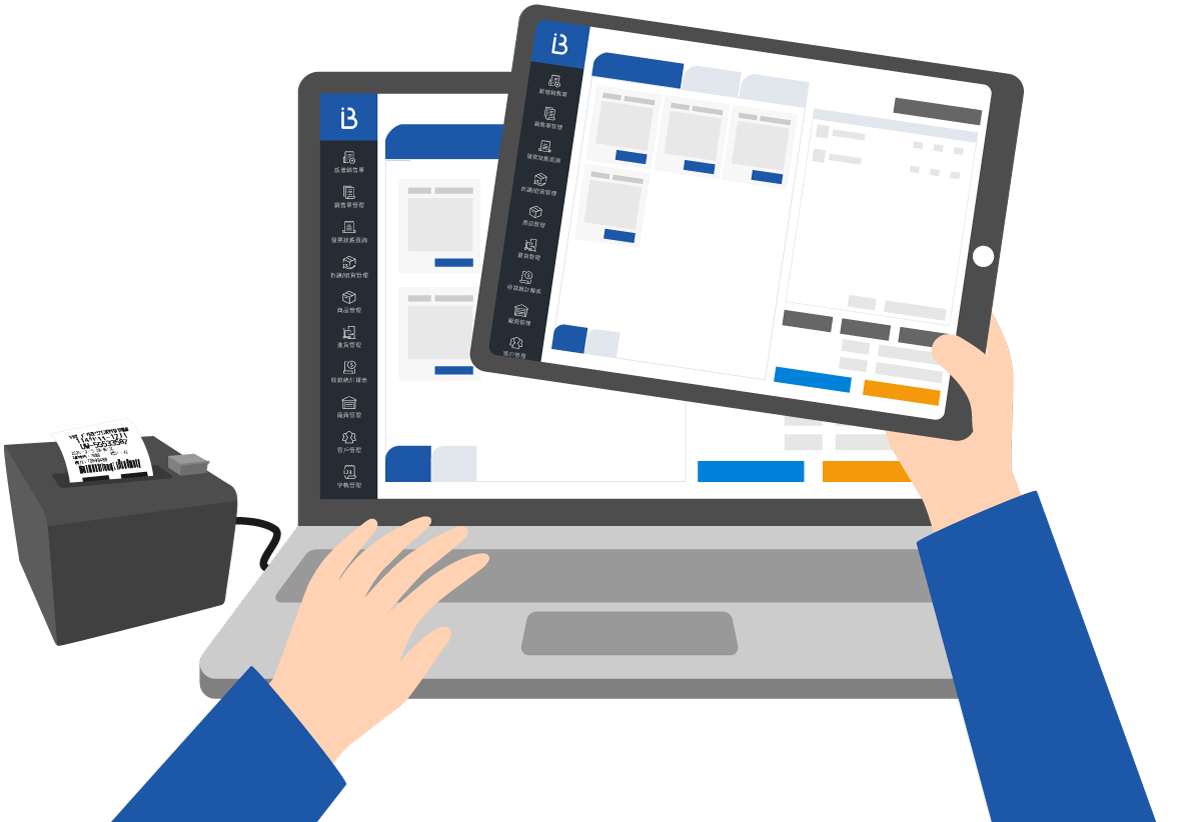
專為實體零售業者打造,取代繁瑣手動流程,整合商品、庫存、會員與營運數據。 一台平板即可管理銷售與報表,幫助店家輕鬆邁向數位化經營,提升營運效率。






| 比較項目 | 傳統POS系統 | 詮力POS系統 |
|---|---|---|
| 硬體與流動性 | 系統安裝於店內固定設備,管理靈活度受限。 | 不受地點與時間限制,隨時透過網路登入系統,靈活掌握營運狀況。 |
| 介面操作 | 介面設計繁瑣,操作需花時間學習。 | 操作介面直覺、流程簡潔,輕鬆上手無負擔。 |
| 系統維護 | 硬體維修需送回原廠,耗時費力。 | 遠端維護檢查,即時排除系統問題。 |
| 資料儲存與安全性 | 資料儲存與安全性 | 透過NAS雲端儲存裝置備份資料,即時同步,保障資訊安全與穩定性。 |
| 功能與彈性 | 僅具備基本功能,系統升級與擴充受限。 | 定期更新進階功能,支援多種功能模組與第三方整合,適合多業態經營。 |

直覺操作界面,整合收銀、開單、發票與報表功能於一體。
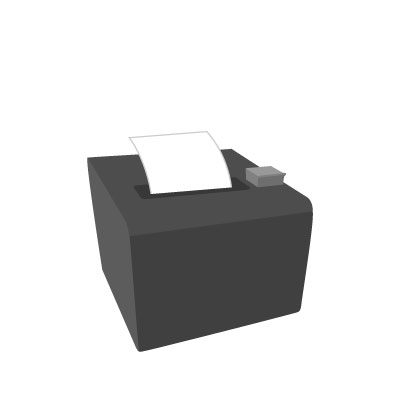
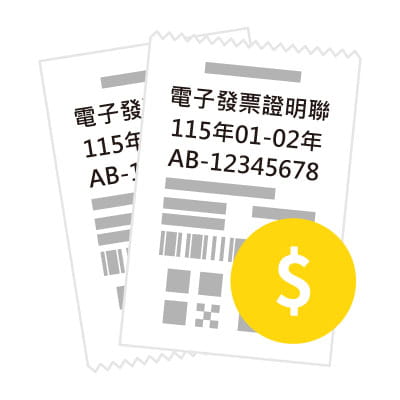
即時列印交易明細與發票,支援電子發票開立。
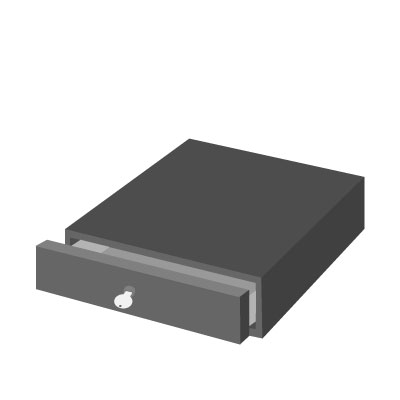
自動開啟設計,與系統同步控制,提升現金管理安全性。
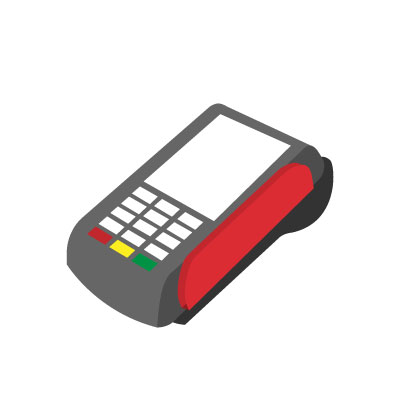
支援多元付款方式(信用卡、悠遊卡、LINE Pay、街口等),提升顧客便利性。
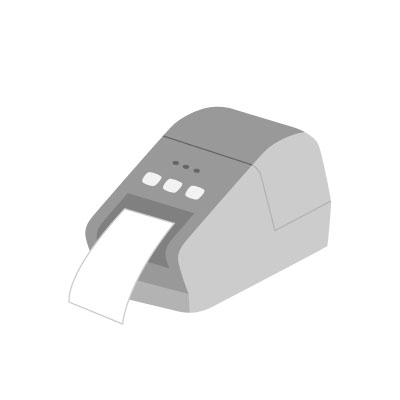
自動列印商品標籤與價格標示,方便庫存及陳列管理。
img name